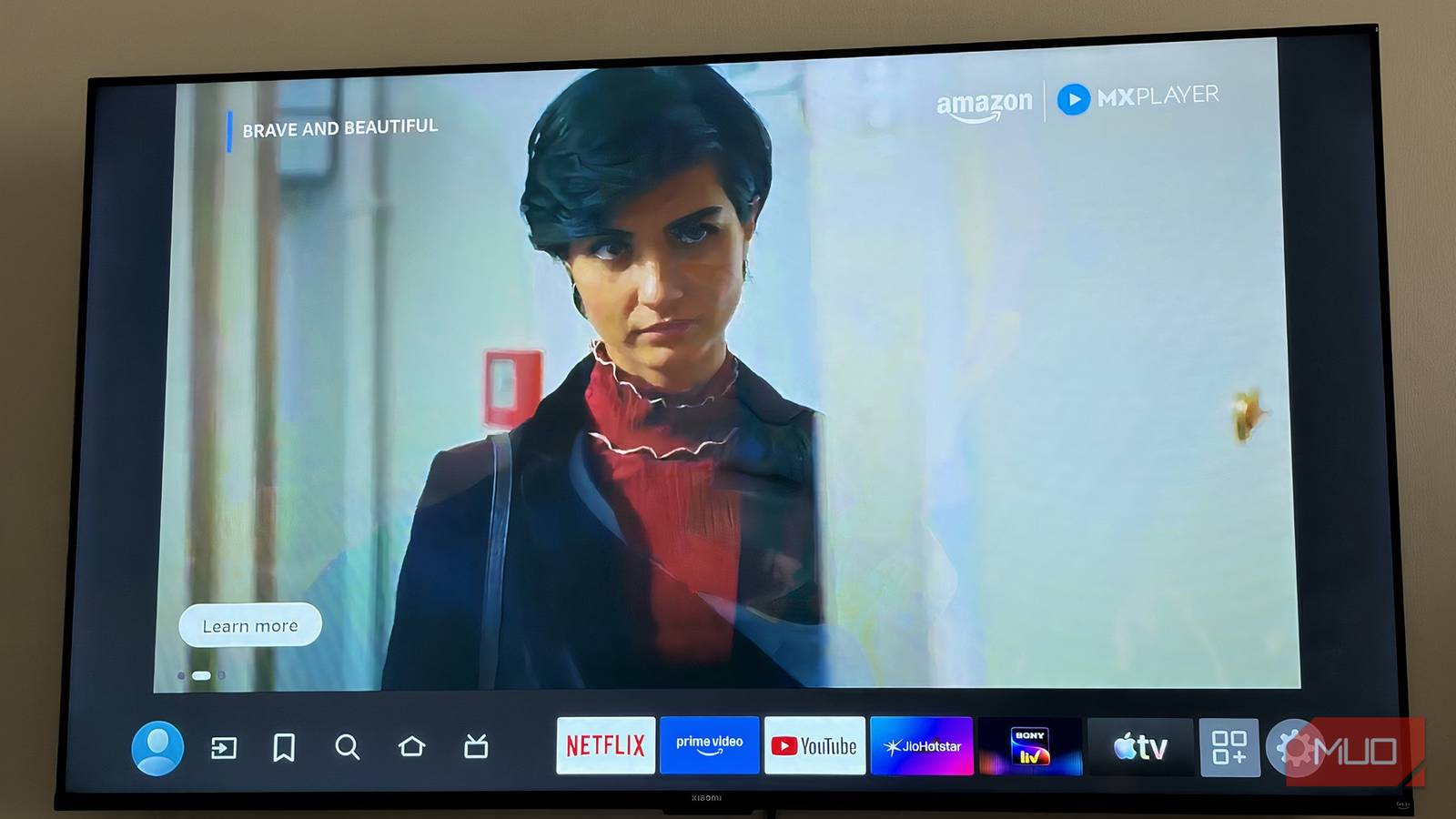
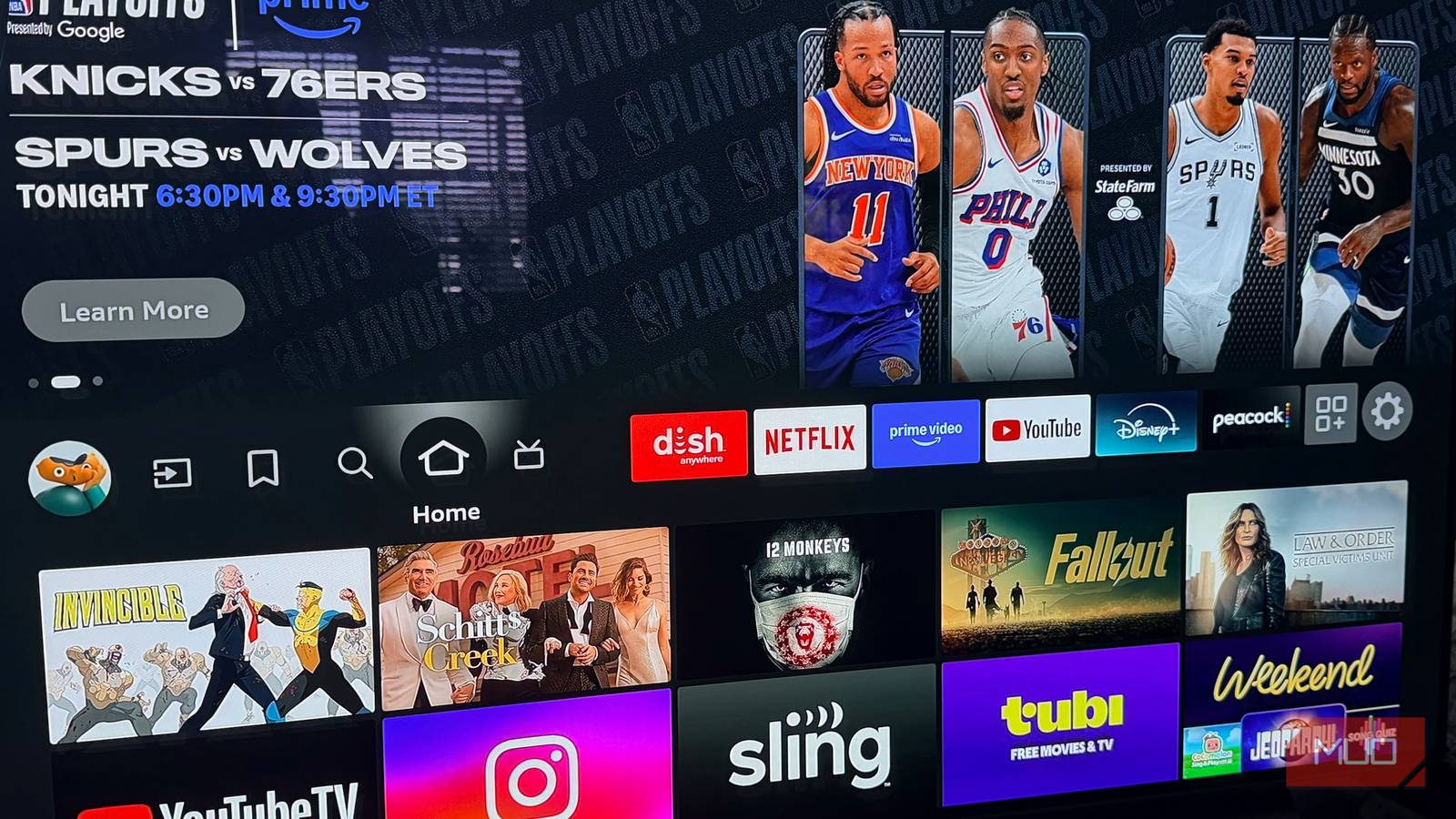





Just because your TV has smart features built in, doesn’t mean you should use them. Smart TVs typically come with bloatware, advertisements, and unwanted tracking. They might feature slow Ethernet ports or outdated processors, too. All of these concerns are valid reasons to buy a dedicated streaming stick or box, like a Roku, Apple TV, or Google TV streamer, instead of sticking with your smart TV’s default operating system. On the flip side, if your smart TV’s interface is actually good, using it can save you the added cost and complexity of buying separate hardware.
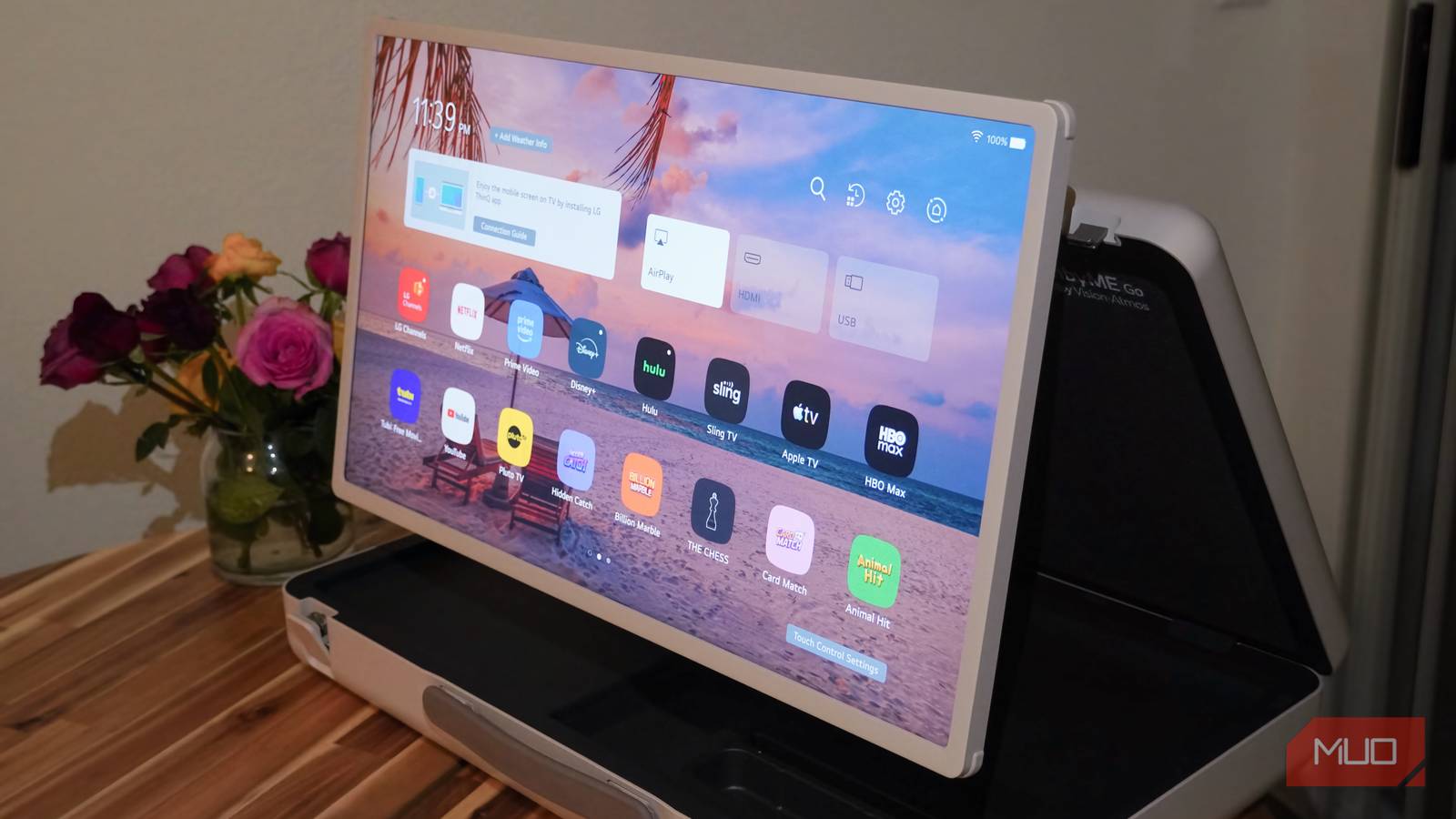
I’ve tried smart TVs running Google TV and Samsung’s Tizen OS in the past, and haven’t been impressed. My primary TV is a 4K Samsung panel paired with an Apple TV 4K that I usually use for AirPlay, streaming, and a Gigabit Ethernet connection. While moving apartments, I relied solely on the LG StanbyME Go portable television system instead of my usual setup. That meant using LG’s proprietary webOS software, based on Linux, in place of my usual streaming box. To my surprise, it wasn’t actually bad, and I’m going to seek out webOS TVs in the future.
LG’s webOS interface is surprisingly fun to use
The pre-installed apps are handy and navigation is seamless
Pre-installed apps on smart TVs are always a mixed bag. Some of them are useful, others are bloatware, and not everyone agrees about which apps fall into either category. I’ve found that LG’s collection of pre-installed apps on webOS is quite useful, spanning all the major streaming services. You’ll find the big streamers, like Netflix, Prime Video, Disney+, YouTube, AppleTV, and Hulu, as well as niche options such as Sling TV. This is helpful, because when you’re looking for the streaming platform you need to watch a movie or sporting event, you won’t need to waste time installing apps during movie night or game time.
There are some unnecessary apps for my needs, like low-quality mobile games or Microsoft Copilot. Luckily, webOS lets you uninstall the apps you don’t need, so it’s easy to remove anything you consider bloatware. There’s also an app store you can use to install extra apps onto your webOS smart TV. Still, the default selection of streaming service is one of the best things about LG’s platform. It feels like they were selected based on convenience, not because of sponsored partnerships.
Then, there’s the user interface and navigation. I like how the webOS homepage is easy to navigate and shows key information at a glance, like your Wi-Fi status and input devices. Moving around the operating system is snappy, and there are custom features to help you stream better. There’s a multi-view mode that lets you watch multiple pieces of content at the same time using picture-in-picture software. The remote is much better than the ones that come with streaming boxes, including my Apple TV. It’s thicker and ergonomic, and LG’s “Magic Remote” uses a motion sensor for games and navigation.
If you care about free content, webOS comes with LG Channels, a hub for on-demand and live TV. You also get five years of webOS updates for certain TV models that came out in 2022 or later. It’s not quite as long as Samsung or Hisense’s software guarantees, but it’s pretty solid.
webOS supports AirPlay, Google Cast, and smart home features
If you don’t like using webOS, that’s fine — just use AirPlay or Cast built-in
There’s no such thing as a perfect smart TV operating system, and other devices and platforms certainly do it better. But what I love about webOS is that you don’t have to use LG’s user interface at all. The operating system has native AirPlay and Google Cast support built-in. That means you can load up content on your iPhone or Android phone and immediately watch it on your webOS TV without touching a remote or downloading an app.
That’s how I use my Apple TV and Google Nest Hub Max anyway. With an LG TV, you don’t need a separate accessory. Apple TV only supports AirPlay, while Google TV only supports Google Cast. LG’s webOS supports both, which is great for cross-platform households. Samsung’s Tizen OS also supports both AirPlay 2 and Google Cast on TVs from 2015 and later, but there’s a surprising catch. You need to sign in to a Samsung account to use AirPlay.
For that matter, you need a Samsung account for many of Tizen OS’ best features, and it’s an unnecessary limitation. By comparison, you can set up and use webOS without an LG account, gaining access to AirPlay and Google Cast without signing in.

I Can Finally AirPlay to My Android TV—Without Paying a Cent
No apps, no cables.
The other standout webOS feature is smart home control. In addition to AirPlay support, webOS also has HomeKit compatibility built-in, so your LG smart TV can immediately become the center of your smart home. Thanks to this feature, you can use Siri or the Apple Home app to remotely control your TV and turn it on or off. Of course, you can also use smart home accessories in the LG ThinQ ecosystem, and there’s optional support for Google Home and Amazon Alexa.
The whole webOS experience is platform-agnostic, so regardless of whether you use products from Apple, Google, or some other brand, there will likely be support for them on an LG smart TV.
webOS is pretty great, but it’s not perfect
The app store is weak, and you’ll have to deal with some ads

webOS is my favorite of the default smart TV operating systems, although there are some things that could be better. There’s no doubt that Apple and Google have larger app libraries, and you can better access content purchased through their digital stores on their in-house operating systems. Like any smart TV user interface, webOS has its fair share of ads and bloatware.
You’ll have to look past that to enjoy webOS, but I think it makes up for those drawbacks with extensive AirPlay, Google Cast, and smart home support. Additionally, less features require an account compared to Apple, Google, or Samsung operating systems, which is a huge webOS perk.