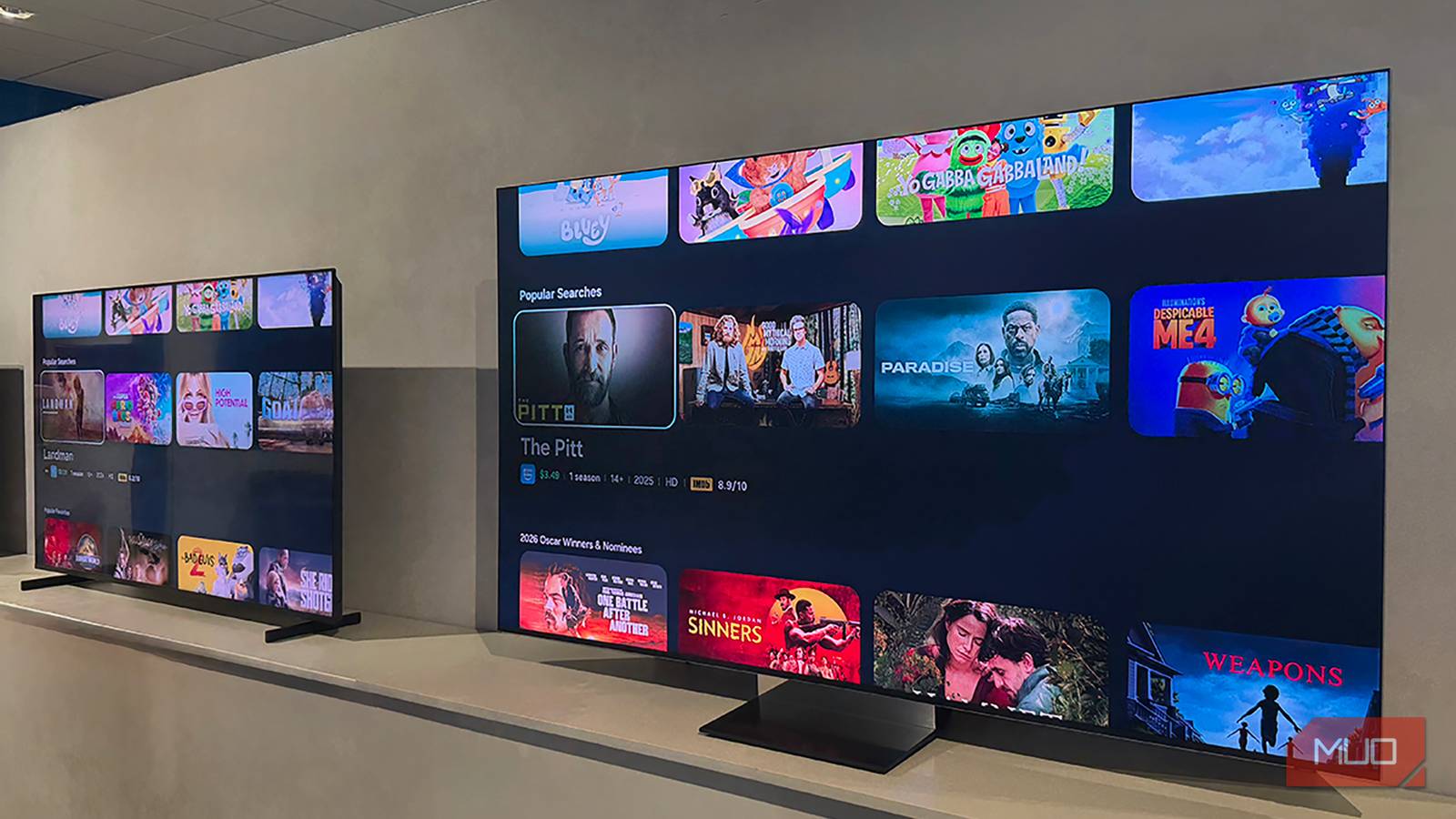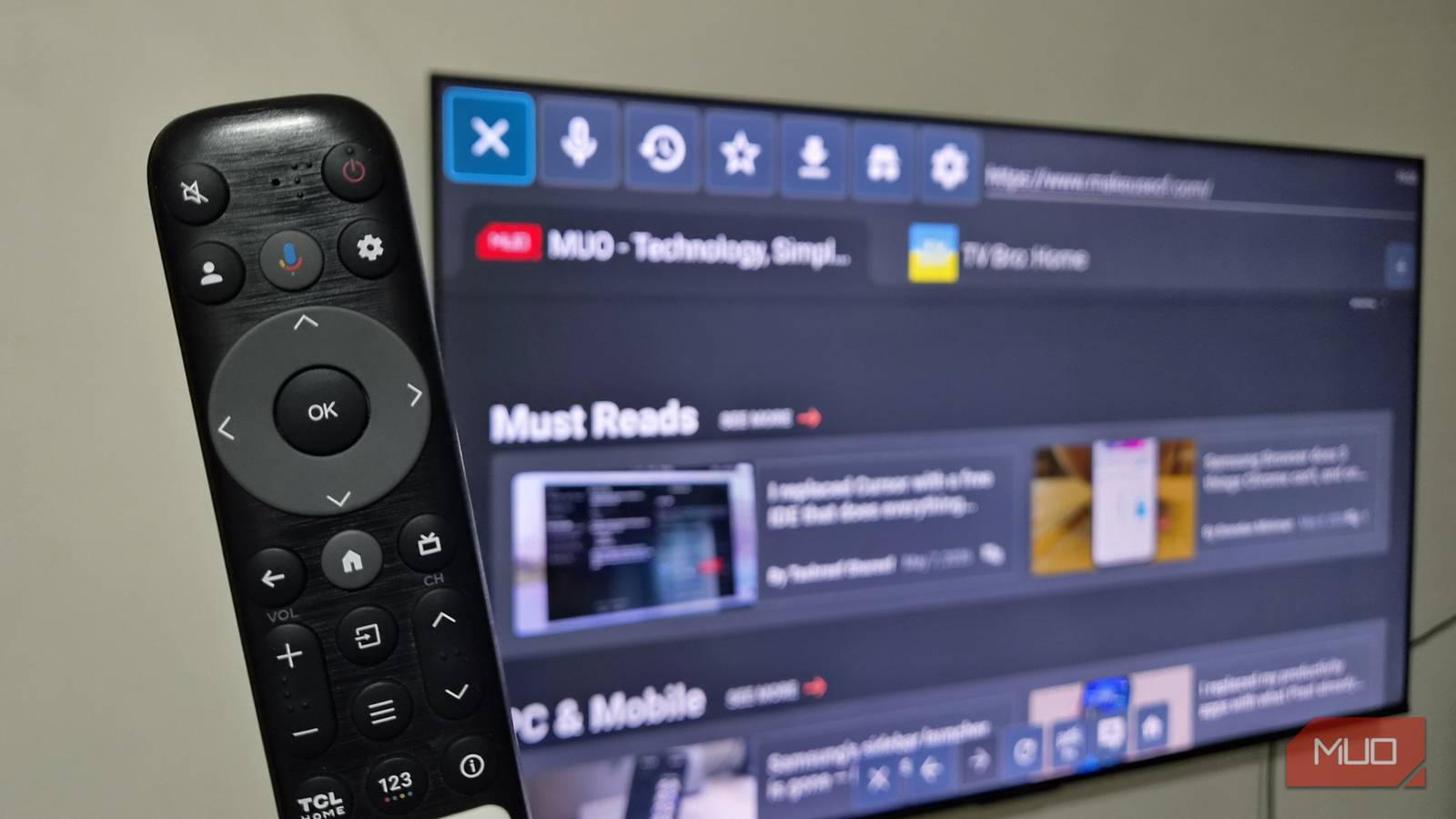






It might seem counterintuitive to buy a smart TV and then not use it for that purpose. You probably did a lot of research on what smart TV to buy. Figuring out which one would look the best in the room based on size, how the visual experience would take over your room, thanks to the build of the TV, and the best ways to boost the sound were all likely considerations you had while buying the TV. Some people look at the smart features of the TV to see what they offer. But surprisingly, that can be the least important part of the smart TV buying process.
That’s because you don’t actually need to use your smart TV’s operating system and features if you don’t want to. There are ways around it, and they do involve adding another streaming device. But there are many reasons why you might want to do that.
6 Reasons I Skipped a Smart TV and Bought a Streaming Stick Instead
It took me a while to come around, but a streaming stick is so much better than a smart TV.
You prefer a certain operating system
Maybe you don’t want to upgrade too much in price

To be honest, you may not need a smart TV at all. But if you want one or already have one, you can get the most out of it with a streaming device. Let’s say you have an LG TV. LG smart TVs come with webOS, a Linux-based smart platform. It works relatively well and is user-friendly. If it is the smart operating system on your TV and you didn’t think twice about it, you may be fine with it.
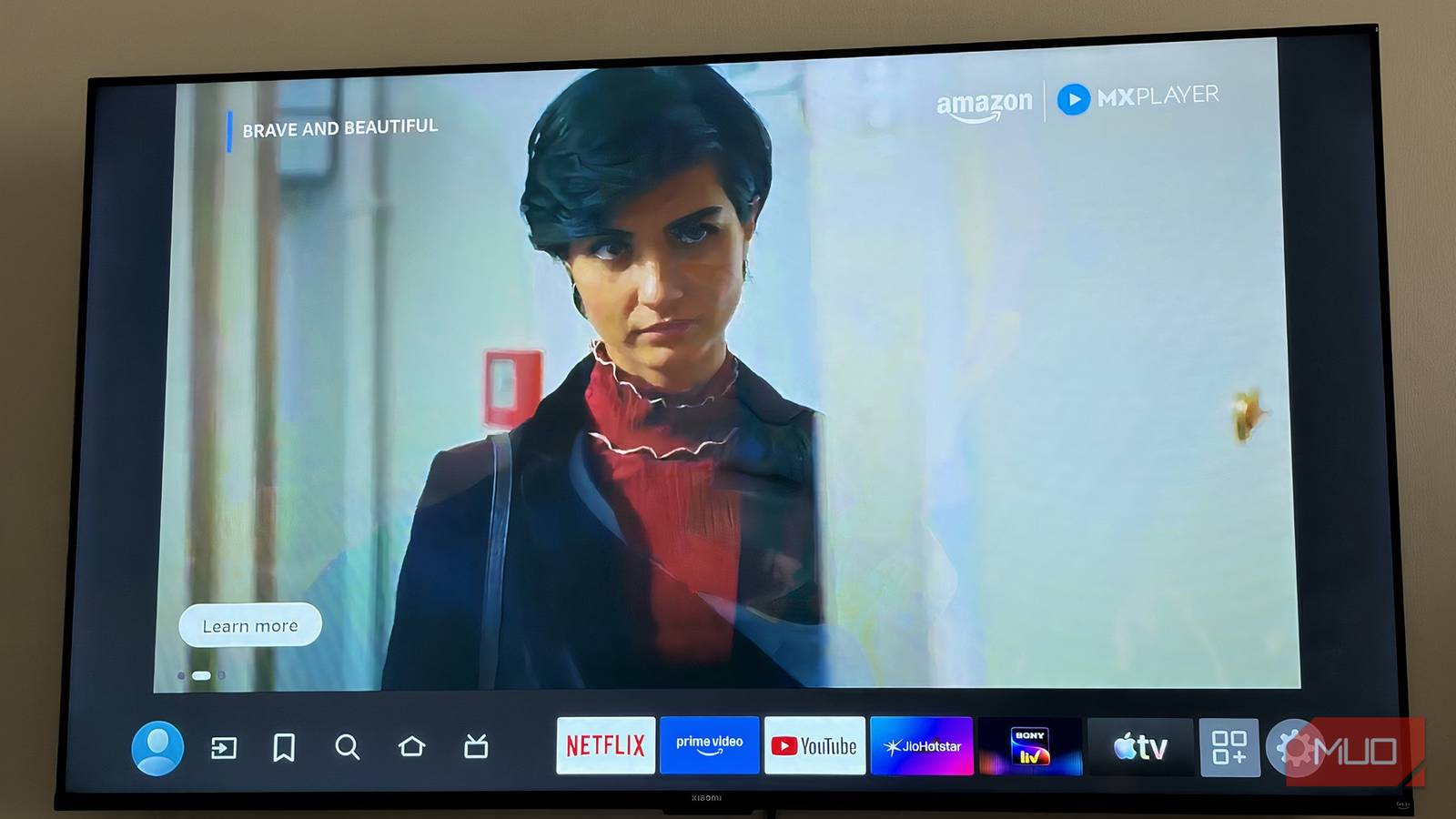
However, maybe you just don’t like the layout of it. After a little while of using it, you are sick of it and don’t like the overcrowding of ads or how to move from menu to menu. It isn’t incredibly easy to test out before purchasing a new TV, unless you are physically in front of it. You may not have had the chance to hold the remote and flip through all the menus and settings ahead of time.
But for a streaming device, if it’s known to be slow, that’s a huge detriment to the product and would likely make people not want to use it.
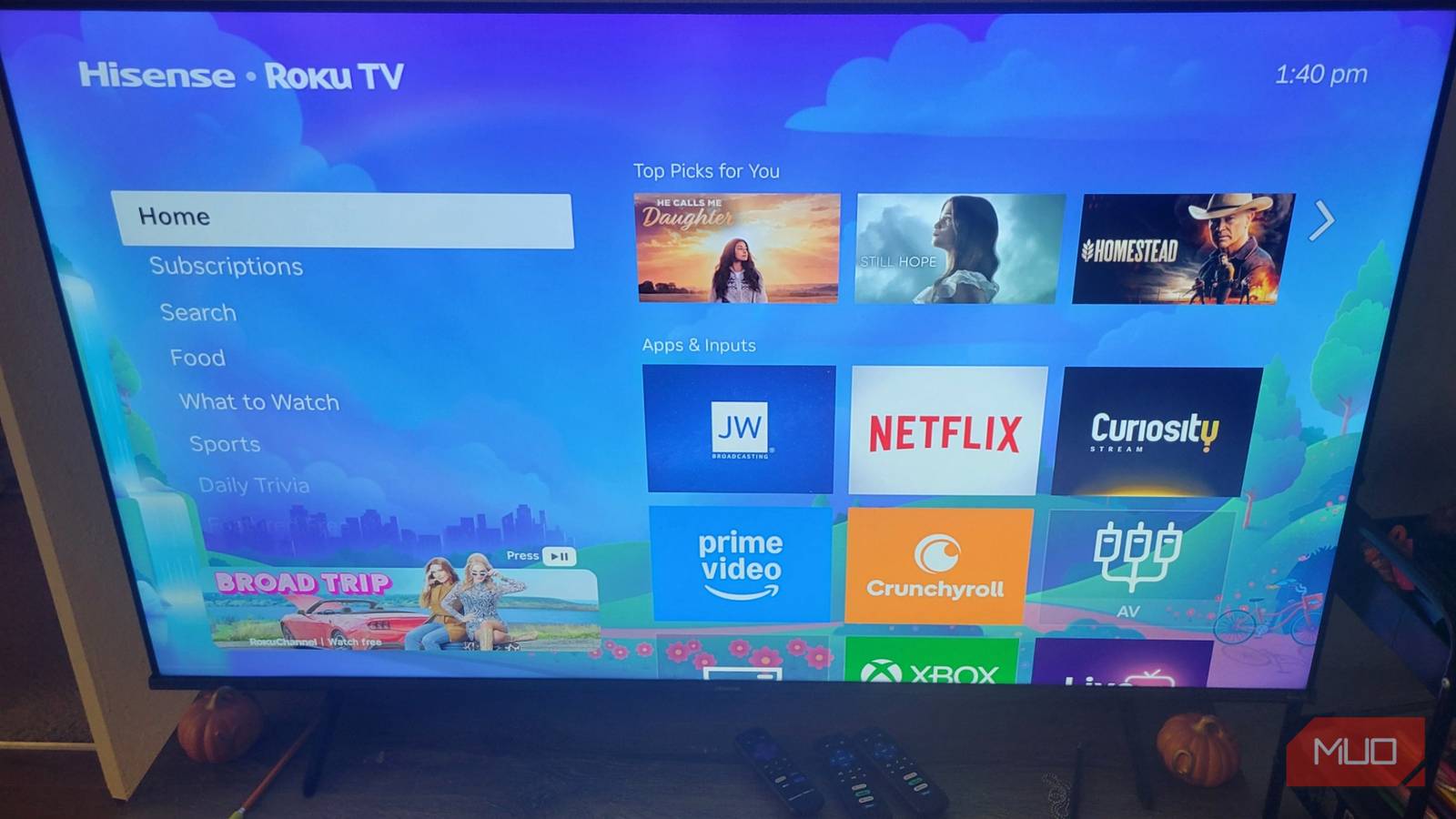
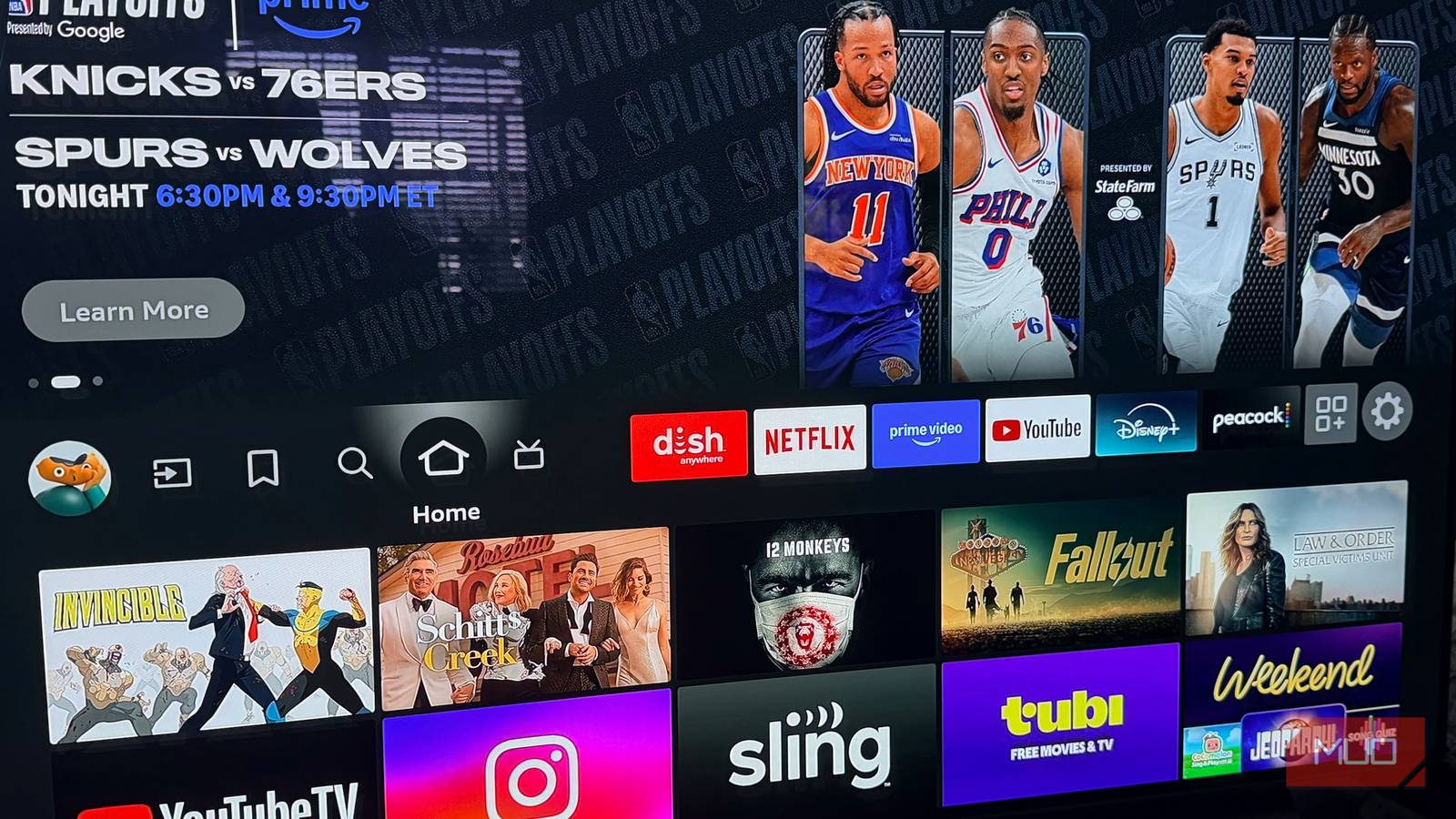
So, it’s entirely possible that you just aren’t happy with the experience. You can change that by adding a different manufacturer’s streaming device. Maybe you’d prefer a Roku streaming device or an Apple TV 4K. An Amazon Fire TV Stick is another popular option to choose.
Adding a separate streaming device gives you a completely different experience when using a smart TV. It becomes the interface that you deal with more, once you switch over to its source. This lets you escape the OS you don’t like for one that you do.
Processing power is stronger with streaming devices
You get more bang for your buck
Your TV has a lot going on inside of it. When TVs are manufactured, they have to consider many different aspects of the TV viewing experience. There are panels and pixels to focus on and audio equipment that needs to be included. The processor needs to run everything well enough to make it a good experience.
However, processors for smart TVs aren’t as much of a priority as they maybe should be. If you’ve ever dealt with a slow interface on your smart TV, it’s likely because the processor is taking a while to properly address the task you’ve asked it to do. I know that I have used my own Samsung smart TV to load an app and had to wait a while for it actually to pop up.
It’s why I opt for a Roku Streaming Stick with my TV. I love the Samsung TV for the gaming hub and a bunch of features like Multi View. But I don’t love the apps, especially the streaming ones, as they take a long time to load.
Sometimes, I have to unplug my TV to reboot it because Disney+ isn’t loading. With a small daughter who is obsessed with Bluey, that can be an issue. But I haven’t had a problem using the Roku because of how fast it is.
Streaming devices are mainly focused on processing speeds because of how important it is to their business. People can buy a TV for many reasons, as you can hook up cable or a video game system to it and not have to worry about the processing power. But for a streaming device, if it’s known to be slow, that’s a huge detriment to the product and would likely make people not want to use it.
Use Ethernet to free up your Wi-Fi
Your TV can’t reach the same speeds

If you want to get the most out of your streaming device, you can see if it connects to an Ethernet cable. Rather than relying on Wi-Fi to make your smart TV or streaming device run, you can use a direct Ethernet cable to speed the gadgets up. This is also a way to prioritize your streaming device without paying for faster internet.
Having wired devices can boost speeds and help you achieve more. However, most Ethernet cables will only reach up to 100 Mbps
for transfer speeds.
You can enhance your speed by attaching a Gigabit Ethernet adapter to some of your streaming devices. Most TVs are only equipped with 100 Mbps Ethernet ports, so they can only handle those speeds.
Some variables come into play. It depends on your TV’s ability to support USB-to-Ethernet drivers, which many of the big-name manufacturers like Sony, LG, and Android TVs offer. If your TV has a USB 3.0 port, that will allow for the boosted speed that you’re looking for. If it has a USB 2.0 port, you are probably out of luck.
It also depends on what kind of streaming device you have. Certain devices have an Ethernet port built into them. But others may not or they only have a 100 Mbps cable. You may need a separate adapter and, in some cases, another cable to make it work.
If you’re using a Fire TV Stick, you will need an OTG cable to connect to an adapter and the streaming device in order for you to boost it to the Gigabit speed you want.
Your smart TV can’t do everything a streaming device can
Even if you have a smart TV, you should still consider using a streaming device. They offer more in terms of processing power and functionality. Using both a smart TV and a streaming device is beneficial. You may also prefer the operating system of the streaming device manufacturer more. You can boost the speed of your streaming device more than you can the TV. It’s a smart way to get some of the features of your smart TV but enjoy the faster speeds of the streaming device. The two can work together to provide a more unified and speedier experience for users.