



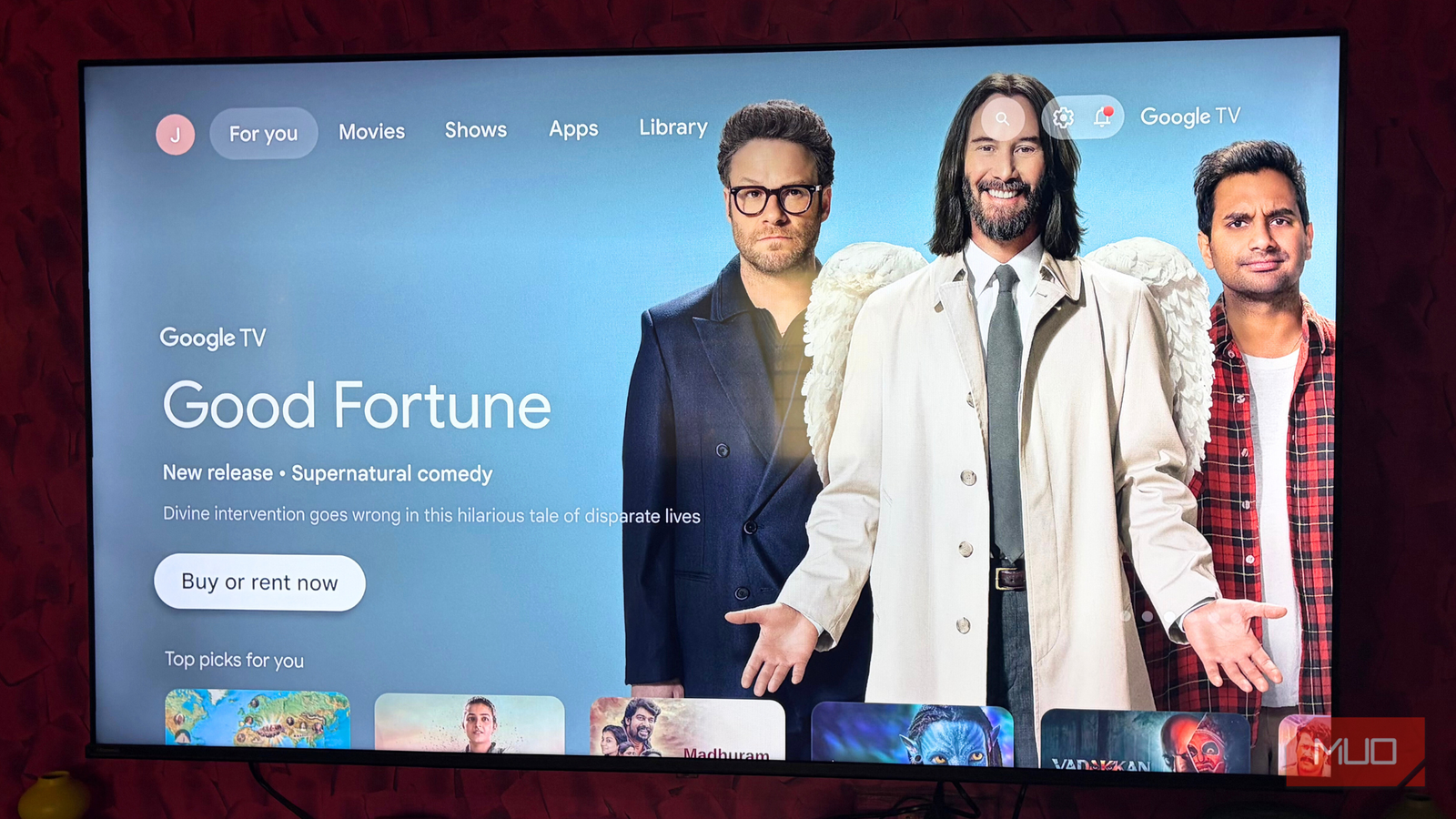
Every morning, the first thing I do is turn on the TV and play a few spiritual songs. It’s my way of easing into the day, slowly and peacefully. What immediately disrupts that calm, though, is my smart TV’s home screen, which is cluttered and overflowing with ads and sponsored recommendations. Some days I manage to tune it out. Most days, I really can’t.
I really enjoy using a browser on my smart TV. It feels freeing and functional, at least until I’m done and inevitably taken back to that same ad-heavy home screen. That constant visual noise eventually became too hard to ignore. That’s when I decided to replace the home screen altogether. If you’re also tired of being bombarded with ads every time you turn on your TV, it might be time to take back control. Your TV should greet you with what you want to see, not what advertisers want to push.
Please stop using your TV’s default picture mode
Adjust the TV to what you’re watching.
What does Projectivy Launcher do?
The home screen your TV should’ve had all along

Projectivy Launcher is a customizable, ad-free home screen designed for Android TVs and smart projectors. At its core, it replaces cluttered default interfaces with something far cleaner and more personal. You can create your own app categories, hide apps you never use, tweak icon sizes, and even set dynamic wallpapers to better match your setup.
The personalization goes a step further with practical touches. Projectivy lets you add direct shortcuts to HDMI inputs, so jumping to a set-top box or gaming console takes a single click. You can choose specific apps automatically at startup.
For families, there’s a useful layer of control as well. Parents can lock selected apps behind a PIN to limit children’s access. And for day-to-day convenience, Projectivy even allows you to control your TV directly from your phone, making navigation quicker and far less frustrating.
My take on using this launcher daily
The anti-chaos launcher your TV deserves
Projectivy Launcher is refreshingly straightforward. It’s clean, good-looking, and best of all strips away ads the moment you’re done with the welcome setup. The initial setup feels almost cinematic, walking you through everything the launcher needs to function properly instead of quietly asking for permissions later.
To unlock features like automation and remote control shortcuts, Projectivy requires accessibility access on your TV. The app is upfront about this. Before you proceed, it prompts you to enable the service in your TV’s settings and clearly explains why it’s needed. A few additional permissions are requested as well, and it even checks for root access if you want to enable advanced features. During setup, every permission comes with a simple Allow or Don’t Allow option, so you stay in control as well as informed from the start.
What I genuinely appreciate is how transparent the launcher is about its settings. Nothing is really happening behind your back. You can agree or disagree with each requirement right away, which builds trust.
The home screen layout is neatly organized and easy to understand. HMDI input sits right at the top, followed by TV apps, mobile apps you’ve installed on your TV, your currently playing content, Projectivy’s own settings, and display profiles. There are no ads, sponsored titles, or random recommendations cluttering the screen. It’s absolutely simple, functional, and easy to look at.
Projectivy’s settings go surprisingly deep. You customize the launcher’s appearance, tweak display profiles, set up parental controls, remap remote control buttons, and manage accessibility services. I resized the app and input cards to match my preferred layout, switched from a static wallpaper to a dynamic one, and adjusted brightness, contrast, and hue, very similar to editing photos on a smartphone. You can even add a bit of color to the status bar and decide exactly what information appears there.

I can’t use my Google TV without this app
My TV finally feels like it was made for me.
Parental controls are another thoughtful addition. I have a niece at home who loves watching TV, so I locked apps like YouTube, Netflix, and Amazon Prime Video. Whenever she wants to watch something, I can unlock and set things up for her in seconds, without worrying about her wandering into these apps.
The Accessibility service is what really unlocks Projectivy’s full potential. It enables actions on boot, custom remote button shortcuts, automatic display profile switching based on input source, stronger parental controls, and smarter power management through idle detection. The app clearly states that:
No personal data is collected, and everything runs locally on the device.
If you’re comfortable with that, enabling it significantly improves the overall experience.

If you end up liking Projectivy, you can also support its future development with a one-time payment of slightly over six dollars. This unlocks additional customization options for wallpapers and icons, essentially premium features for those who want to take personalization even further.
Proof that simpler still wins
I’ve never been a fan of sponsored rows and ads taking over my TV’s home screen. When I turn on my TV, I just want a clean, simple space that gets me to my content without distractions, and that’s exactly where Projectivy fits in.
Most people don’t realize this, but a smart TV can actually feel faster when ads are blocked. This isn’t an exaggeration. But switching to Projectivy gave me the refreshingly simple and minimal home screen experience I had been missing. There are no ads or promoted content, just my apps and content I am currently watching, laid out neatly and the way it should be. It may sound like a small change, but it genuinely makes the TV feel brand-new, even though the hardware itself hasn’t changed.
So, if you ever find yourself thinking about upgrading your TV, I would suggest trying a new launcher first. It can completely change how your TV looks on a daily basis, and you may quickly realize that you do not need new hardware after all, just a better and cleaner home screen.