



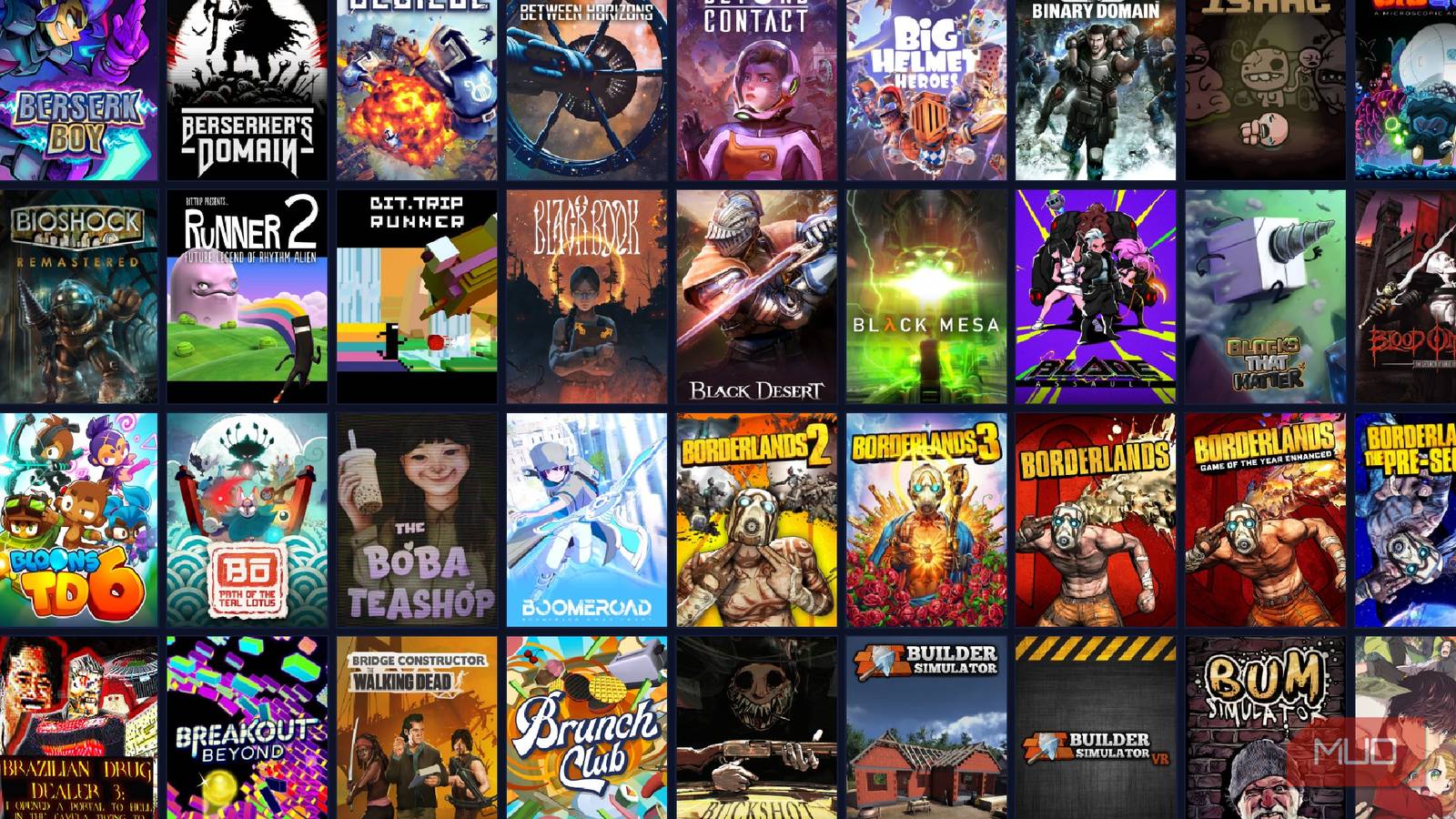
There is a ton of software dedicated to keeping your music, movies, and even book collections looking tidy and clean on your PC. But over the years, I’ve collected a ton of digital games from many launchers, and sometimes I’ll accidentally double-dip because I forgot I already had something on Epic Games instead of Steam. I needed to find something for the sake of my wallet.
When I discovered Playnite, everything changed. Imagine having all of your games from all of your libraries in one particular spot, no longer needing to open 3 different stores to see if you may have claimed a game for free from Epic that you’re planning on purchasing on Steam. It’s a dream come true for someone with a vast library of games, and even smaller libraries can benefit from it.
Controller navigation is incredibly nice
Imagine Big Picture Mode, but for everything you own
I spend enough of my day hunched over my keyboard like a goblin, and if I’m eager to play something, I may want to do so from the comfort of my couch. Since I’ve got my PC hooked up to a splitter and connected to an extremely long HDMI cord, I can jump into any game on my PC from my living room, thanks to great controller navigation on Playnite.
In standard mode, there is no controller support. But quickly switching to full screen by either pressing F11 or the on-screen button, I’m able to navigate every portion of the application with a controller. A more controller-friendly UI also takes over, making everything incredibly smooth.

This Plex plugin made my library perfect
It’s all about the finishing touches, and this app is the one that’ll get your Plex library over the line.
There’s a statistics page for playtime
If you’ve ever wondered how much of your life you’ve spent playing something

While I spent a lot of my younger years playing games on consoles, I’ve been slowly migrating more into PC gaming. After installing Steam OS on my ROG Ally X, I’ve found myself preferring that to my Switch 2 and other consoles I have around my home. But what if you wanted to find out how much time you’ve spent playing a particular game? Playnite also has you covered on that front, and I’m sad to say that my love of Dead by Daylight is on full display here.
While this doesn’t factor in the playtime that you’ve spent on other consoles, especially for games with cross progression like the aforementioned Dead by Daylight, it gives detailed stats about how much of your playtime has been done through various PC launchers. You can also see how much of your library you haven’t touched, which will be great the next time a Steam Sale comes along, and I’m tempted to add more to my already large backlog.

- OS
-
Windows
- Developer
-
Josef Němec
- Price model
-
Free
- Version
-
10
.47
There’s a whole world of library customization waiting for you

If you’ve ever customized the way a game looks in your Steam library, you already know how nice it is to have a feature like that. Customizable banners, swappable logos, and art — it’s great to make your library feel unique. But Playnite takes things a step further and introduces customizable metadata, so you can change every aspect of how a game will appear in the launcher, down to the description that is shown when you select the game.
Say you had a bad couple of matches in something like Marvel Rivals, and you want to remind yourself that you don’t want to play it again for the foreseeable future. Add some notes, change the logo and background, and ignore it for the time being. Or if you’re feeling creative, you can make your own artwork and slap it onto the game. Since Playnite has native igdb.com integration, all of your games should be covered. And if they aren’t? Get ready to get creative.
No store integration on Playnite yet
You’ll need to keep your launchers installed if you want to buy new games
Playnite is an incredible piece of software, but one thing that it doesn’t feature is in-app purchases. Typically, this phrase is used when it comes to players or users being able to purchase things that they can use in the specific app, but here? It means that Playnite doesn’t feature any particular store integration at all. If you want to purchase a new game and add it to your library, you’ll need to use the official launcher, a mobile store, or a web app to purchase the game. After that, you can go back into Playnite and install it from there.
While I do hope that we can eventually purchase things directly from the Playnite launcher itself, this isn’t a major deal by any means. Playnite is meant to be a piece of organizational software that makes my game library look great, while having everything in one spot. If I can’t buy something here, it’s not going to be the end of the world by any means.
Playnite is a game-changer in more ways than one
It also opened my eyes about my seemingly never-ending backlog
Having all of my PC games in one spot is a blessing, and I know that I’m going to be cross-referencing them every time I want to purchase something now. Seeing duplicate games across my GOG and Steam accounts has shown me that I’ve wasted a little money in the past, but more importantly, it shows that I have a lot of games to get through before I spend any more.
I know it’s a joke that people buy games on Steam they’re never going to play, but seeing that I have almost 700 games I haven’t touched yet is remarkable. Sure, some of these may have been gifted as a joke, but you know what? It’s a new year, and I’m a new me — it’s time to get busting through some backlog. Playnite opened my eyes to this fact, and at least I can download my games much faster than I could in the past.