




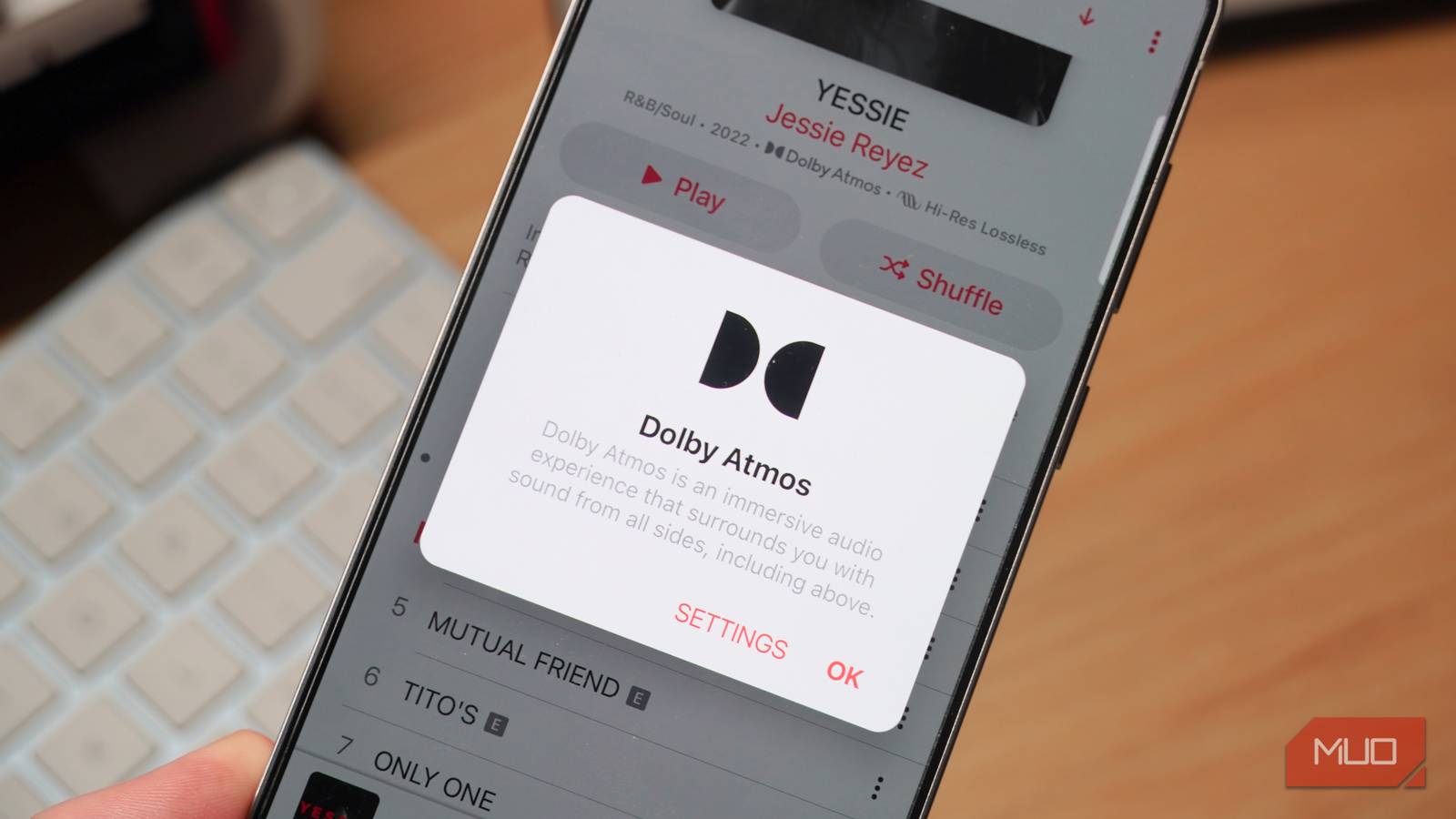
Dolby Atmos is an immersive audio format that allows for further detail and spatial sound effects than a typical stereo recording. With songs mixed in Dolby Atmos, you can hear an object-based audio experience that places sounds spatially in your surroundings, including above and below you. Recordings mastered in Dolby Atmos provide a rich listening experience while retaining relatively low file sizes, making them an excellent option for music streamers on platforms like Apple Music, Amazon Music, and Tidal.
That all makes Dolby Atmos sound great, but until music streaming services make it possible to download songs in both lossless and spatial formats, it’s not for everyone. If you have audio gear capable of handling lossless audio, or gear that can’t handle Dolby Atmos, downloading spatial tracks might create a worse listening experience.
Dolby Atmos isn’t lossless
Dolby Digital Plus, used for streaming, is lossy
It’s a common misconception that Dolby Atmos is a lossless audio format, or works in tandem with a lossless audio format. That’s partly because music streaming services like Apple Music, Amazon Music, and Tidal market Dolby Atmos and lossless in the same vein as premium listening experiences. Streaming services encode Dolby Atmos tracks in Dolby Digital Plus, a lossy file format. While lossless Dolby Atmos is possible with Dolby TrueHD encoding, this CD-quality version is typically exclusive to Blu-ray discs.
As such, if you’re using Dolby Atmos on a music streaming service, you’re essentially prioritizing immersive and spatial audio over lossless quality. While this might be okay for some, anyone using streaming services for CD-quality listening might be disappointed to learn Dolby Atmos uses a lossy format that discards key audial data, resulting in a less-detailed listening experience compared to lossless formats.
Part of the reason Dolby Atmos is misunderstood is that the format’s master files are often of lossless quality, often 24-bit/48kHz. However, like with any master file, it is compressed before reaching streamers via Apple Music, Amazon Music, or Tidal. This creates a smaller file, but data is lost. Spotify and YouTube Music users don’t have to worry about this because neither platform supports Dolby Atmos.
Dolby Atmos doesn’t support every device
Using unsupported devices, headphones, or speakers results in low quality

The beauty of Dolby Atmos is that it needs to be specifically engineered by artists and producers. The manual nature of Dolby Atmos creation means that the artist or producer is placing sounds in your spatial environment exactly where they want you to hear them. It’s an inherently personal listening experience. The flip side of this is that a track must be manually mixed in Dolby Atmos – not every song is going to have a spatial master.
While Dolby Atmos is growing in popularity, especially among newer songs and albums, it isn’t ubiquitous yet. Many songs are still limited to stereo, and you can’t count on every song you play having a Dolby Atmos mix.
More importantly, not every device or pair of speakers will support Dolby Atmos. Google Pixel phones don’t support Dolby Atmos, so even if your music streaming service doesn’t, you won’t be able to reap the benefits. Since Dolby Atmos uses binaural software to create an immersive listening experience, it’s able to work on every pair of headphones and earbuds — as long as the device they’re connected to supports the format. However, speakers are a different story. Not every set of speakers is supported, and Dolby Atmos tracks may fall back to stereo in some situations.
You must choose between Atmos and lossless
I’d love to have both Dolby Atmos and FLAC/ALAC, but that isn’t possible

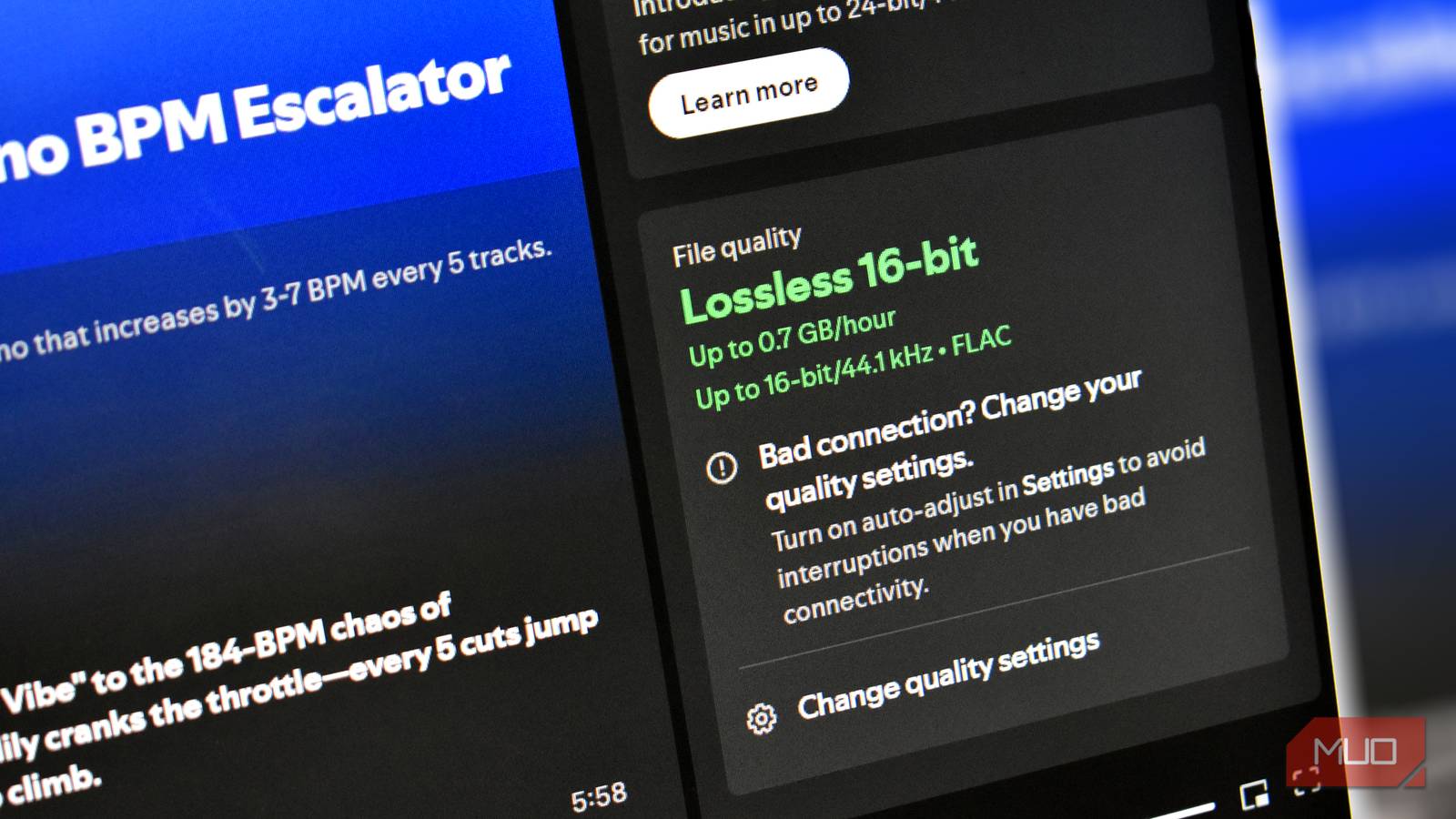
When in doubt, having both is often better than just having one. That’s the problem with Dolby Atmos — you can’t download a track in Dolby Atmos and a lossless format. After enabling Dolby Atmos in your favorite music streaming service, your downloaded songs will be “upgraded” to Dolby Digital Plus, which is a lossy format. Depending on your streaming service and audio quality settings, enabling Dolby Atmos could result in leaving hi-res lossless audio behind in favor of lossy Dolby Digital Plus downloads.
There’s no better evidence of this problem than when listening to downloaded Dolby Atmos tracks in stereo on an unsupported device or speaker. In that case, those Dolby Atmos recordings revert to 256kbps AAC, which is far from lossless quality. Imagine paying a premium for a music streaming service with lossless quality, investing in a USB-C DAC and a good set of headphones, and only getting lossy music. That’s exactly what happens if you enable downloads in Dolby Atmos. If you care about lossless quality at all, you’ll need to turn off Dolby Atmos downloads.

Lossless audio is pointless without these cheap Android accessories
Want to use Apple Music or Spotify’s lossless audio support? You’ll need some extra gear to make the most of it.
In the future, I’d love to see an option for power uses that enables downloading in both Dolby Atmos and lossless formats, like FLAC or ALAC. I’d even settle for a behavior that streams lossless quality over Wi-Fi and uses Dolby Atmos downloads while you’re on the go. Right now, music streaming services have neither option. If you download Dolby Atmos, you’ll get lossy quality every time you listen to music mixed for that format.
Who should use Dolby Atmos (and who shouldn’t)
Dolby Atmos is a stellar, immersive format for users that have no intention of downloading or streaming in lossless quality. When playing tracks with unsupported hardware, Dolby Atmos tracks often fall back to 256kbps AAC in stereo, which is probably the format the average user would’ve used anyway. This is especially advantageous if you have a device, a pair of headphones, or a set of speakers that you know supports Dolby Atmos. If you prefer a spatial, surround-sound feel, Dolby Atmos will be even better.
On the flip side, those that value lossless audio are better off disabling Dolby Atmos for good. When downloading songs in Dolby Atmos, you’re choosing a lossy spatial format over a lossless stereo format. Connecting unsupported gear results in your downloaded files playing in lossy stereo, which is the worst of both worlds. While I love the sound of Dolby Atmos, I value lossless quality more, and that’s why I’ve decided to stop using Atmos entirely.