




Almost all of us rely on Incognito mode at some point, whether in Safari, Chrome, or even YouTube. It lets you browse freely without saving your search history. This mode works very well, from quick one-off searches to keeping recommendations clean.
That said, I recently came across a YouTube feature that made me rethink using incognito altogether. It does the same job, and sometimes even better, without forcing you into a separate browsing mode. Once you know about this feature, there’s no going back. And this change mirrors how people are using YouTube search today. Here’s a look at what users searched for the most this year.
How to use Incognito mode on YouTube
A temporary invisibility cloak for your watch habits
If you did not know, YouTube has an incognito mode of its own. Here is how you can turn it on and off:
- Open the YouTube app on your Android phone or iPhone.
- Tap the You icon in the bottom-right corner.
- Select Turn on Incognito from the pill-shaped option.
- You’re now browsing YouTube in Incognito mode.
To switch back to your regular content:
- Tap the You icon again.
- Select Turn off Incognito.
And that’s it! Your watch history and searches return to normal.
Why I no longer use incognito
How one search takes over my entire feed
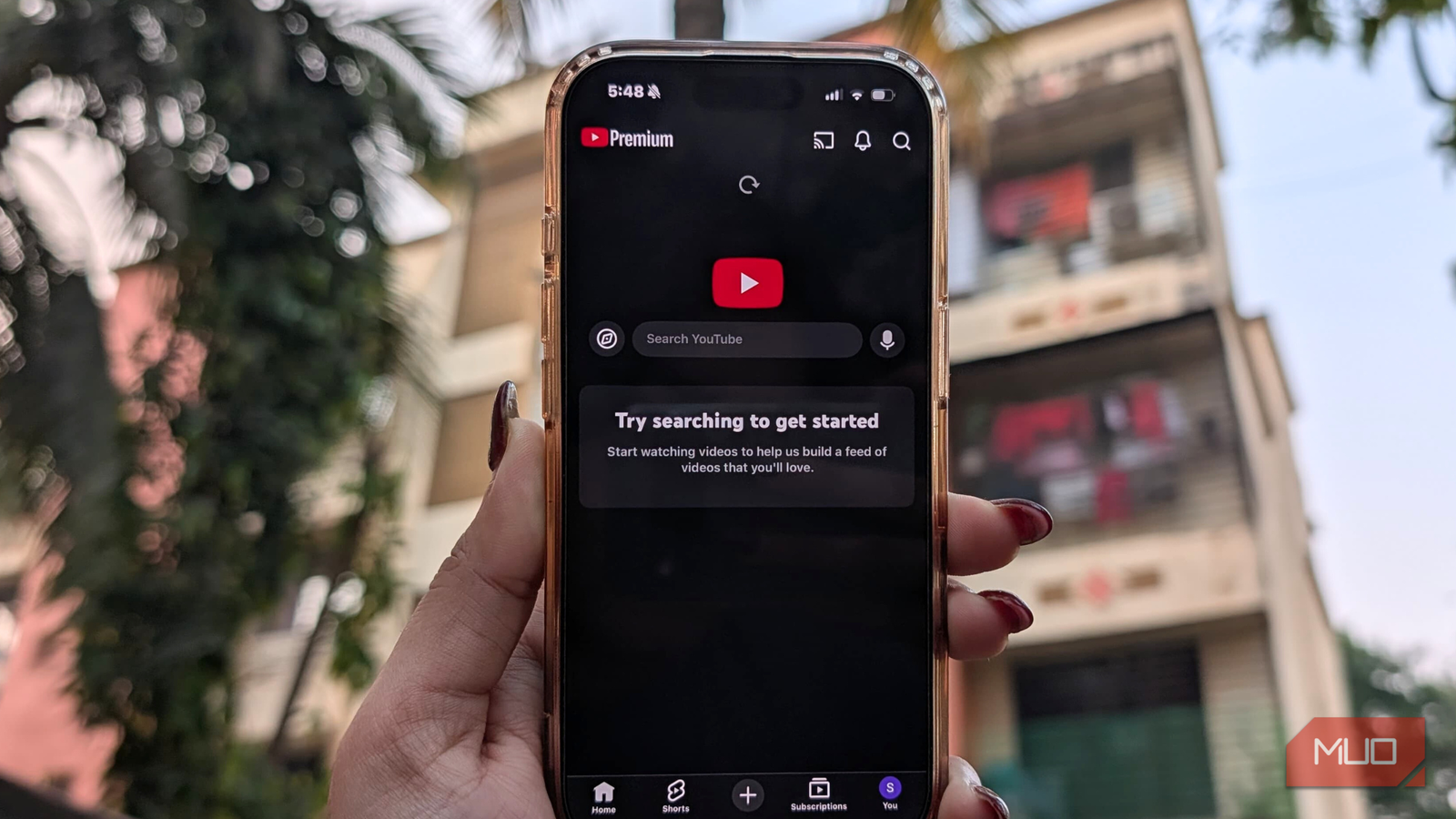
Whenever I fixate on something or plan a trip, my YouTube feed quickly takes over with related videos. When I was looking to buy a car, I was flooded with “cars you should buy in 2025” content. Before my Vietnam trip, it was all about travel vlogs and food content. And if I am being honest, even today, my feed continues to reflect whatever I am watching most.
To prevent this from affecting my main recommendations, I started using Incognito mode on YouTube. The problem is that Incognito comes with its own compromises. I lose my YouTube Premium benefits, and the ads quickly become frustrating.
After getting thoroughly fed up, I knew I needed a better solution. So I dug into YouTube’s settings and stumbled upon a feature that completely changes how I use the app. Beyond this, there are other useful YouTube features that are equally worth your attention.
What exactly is this feature?
Your secret spaces on YouTube

Instead of relying on incognito mode, I now use YouTube’s multiple channels feature. And before you ask, this doesn’t mean creating a whole new email ID and juggling accounts. You can do this entirely within your existing account.
All you need to do is create a new channel using the same email ID as your main account. Once it’s set up, you can switch between channels whenever you want. Each channel acts like its own sandbox: perfect for searches or videos you don’t want to influence your main recommendations. And the best part is that you can create as many channels as you like, each dedicated to a different interest or topic.
Unlike incognito mode, this method doesn’t strip away your YouTube Premium benefits. This means you can watch videos without ads and also initiate offline downloads.
Setting up multiple channels on YouTube
A channel playground for every interest
You don’t need a separate email address to set up multiple YouTube channels. All you need is your main channel tied to your existing email. Once that’s ready, creating additional channels is simple. Just follow these steps:
- Open YouTube on your desktop and make sure you’re signed in.
- Click on your Profile icon in the top-right corner.
- From the drop-down menu, select Settings.
- In the settings, click on Create a new channel.
- Fill in your channel details: add a profile picture (optional), choose a name, and select a username.
- Wait a few seconds for this to load, and your new channel is ready.
You can repeat these steps to create as many channels as you like, each dedicated to different topics, without needing a new email ID.
I use YouTube’s multiple channels feature whenever I want to do some private research, explore a new topic, or watch content related to a trip without affecting my main feed. This keeps my primary channel clean and distraction-free while letting me research detailed content on whatever interests me at the moment. This has genuinely transformed the way I use YouTube, allowing me to stay private without giving up on any of my Premium benefits.

Why I Still Subscribe to YouTube Premium Despite the Price Increases
YouTube Premium actually brings a lot of value.
Keep your feed happy and your secrets safer
I absolutely love this YouTube feature. I no longer rely on Incognito mode, but I still kind of keep my YouTube searches safer. With multiple channels, I can explore anything at all freely without affecting my main feed. I’ve created separate channels for travel content, food videos, new hobbies, and one just for research.
In short, this feature has allowed me to manage my feed, stay private, and enjoy YouTube without compromise. For now, the Incognito mode feels almost unnecessary. If you start using multiple channels, you’ll likely feel the same. And as the year comes to an end, YouTube has also rolled out a Spotify-like recap, highlighting your favorite moments and searches.