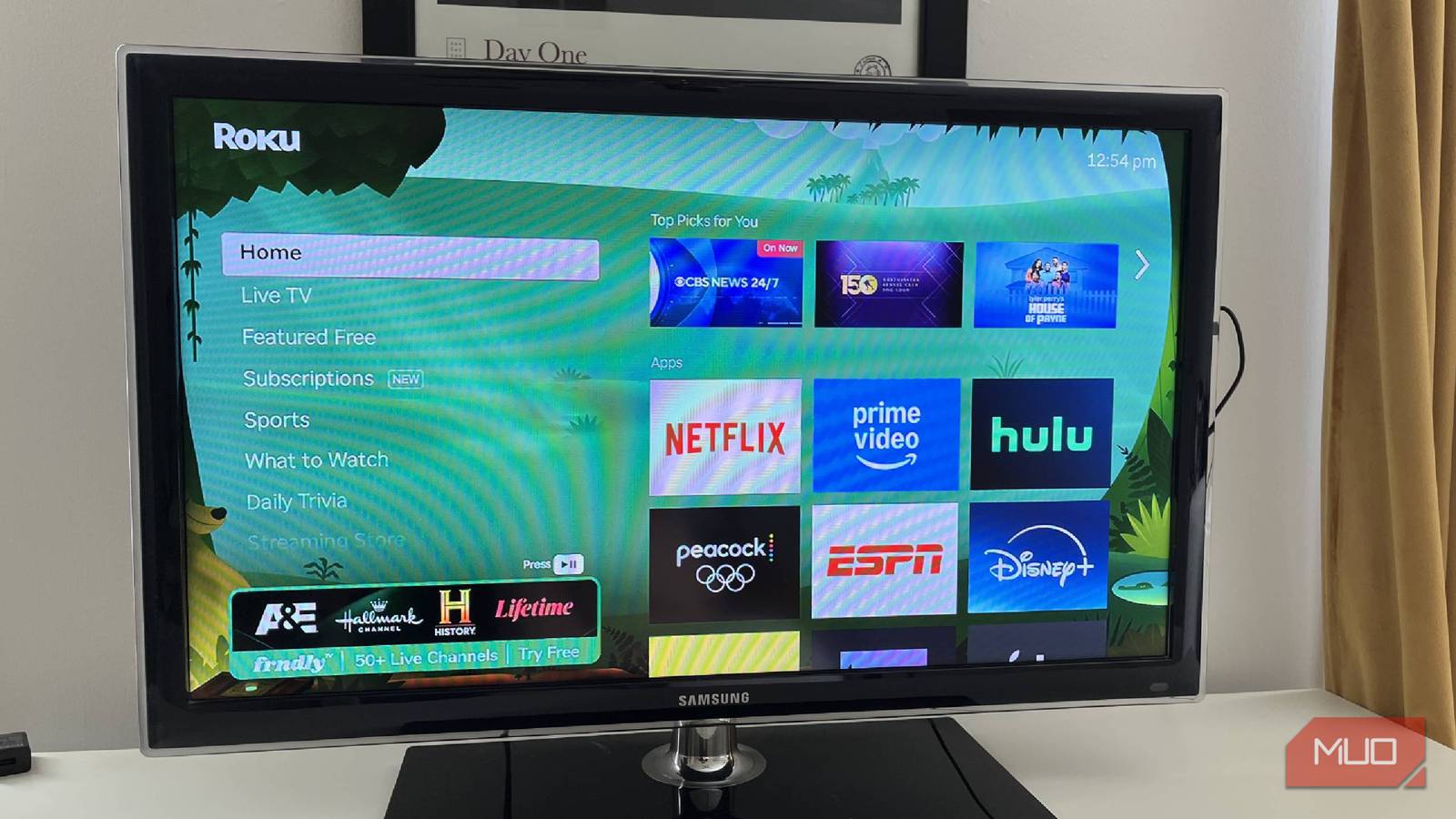







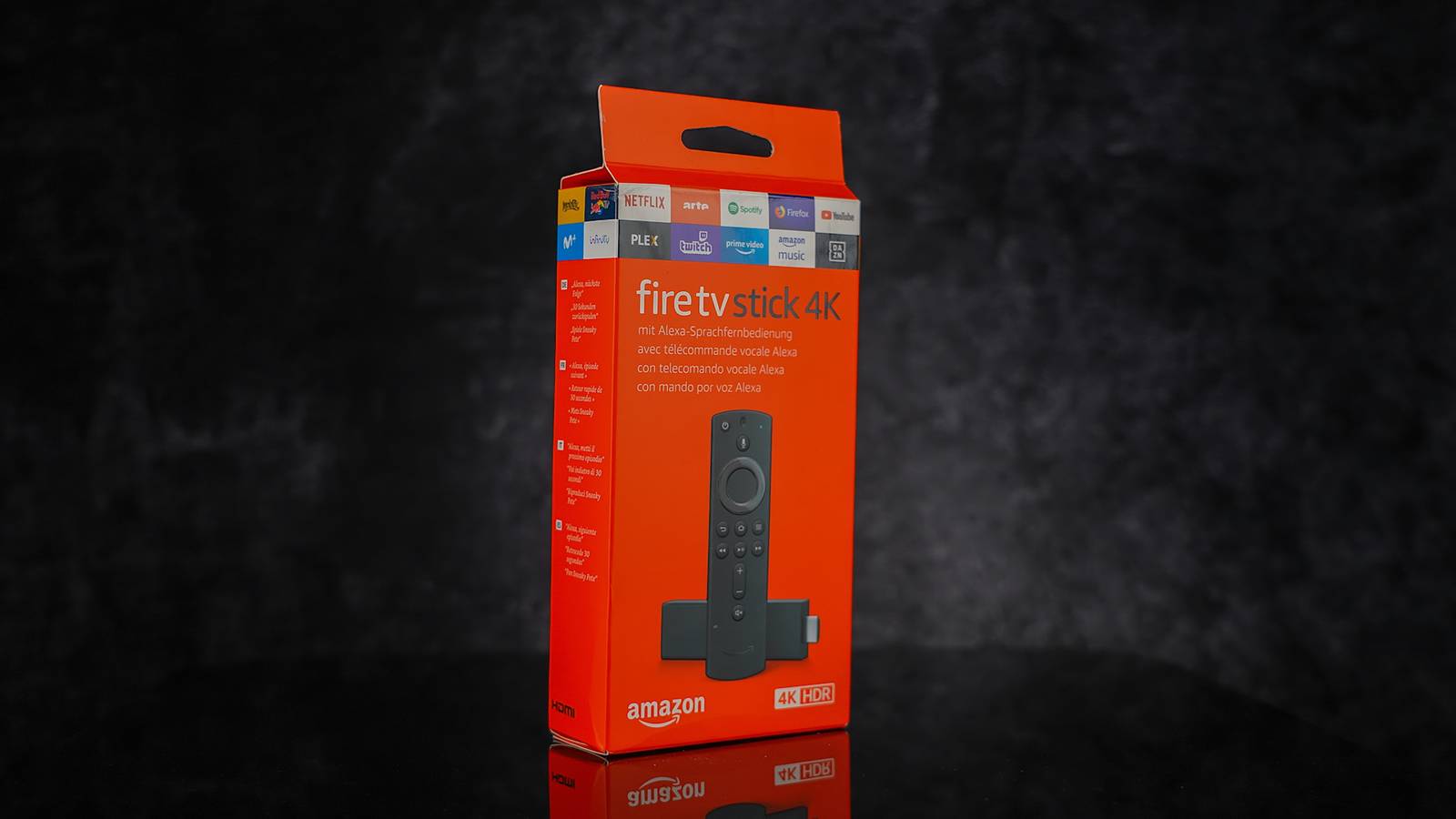
Beneath Amazon’s Fire TV Stick’s polished surface, it is still running on an Amazon-developed Android skin. This means the homescreen is riddled with ads, the App Store is restrictive and offers limited app choice, and, more often than not, a buggy UI that prioritizes Amazon’s own ecosystem.
I was tired of such limitations, as I owned the hardware but still felt like I was in Amazon’s walled garden. In short, my Fire TV Stick wasn’t working as I wanted, so I installed these apps that unlocked its full potential.
- Brand
-
Amazon
- Operating System
-
Fire OS
Experience brilliant 4K Ultra HD streaming with support for Dolby Vision, HDR10+, and immersive Dolby Atmos audio. Includes the Alexa Voice Remote with TV controls, giving you easy access to endless entertainment across your favorite apps.
Downloader
Gateway to the apps Amazon doesn’t want you to have
Downloader is a streamlined web browser and file manager designed for the Fire TV remote. It lets you install apps not available in the Amazon Appstore. Without it, you’re restricted to Amazon’s official library.
It’s a critical tool for power users because it simplifies sideloading apps on the Fire TV Stick. You can easily enter URLs to download and install compatible apps, bypassing standard restrictions without breaking any rules.
While Downloader lets you download any app you want, be aware of what you are downloading. Not all free apps are good to go. I prefer downloading from open-source platforms like GitHub, where most apps are vetted by the community and trusted.

- OS
-
FireTV, Android
- Developer
-
AFTVnews.com
Easily download files to Fire TV and Android TV devices with Downloader by AFTVnews. Enter URLs or short codes to get content directly from the internet. It includes a built-in web browser, file manager for APK installation, and favorites for quick access to frequently visited sites.
SmartTube
The key to the higher resolution

Modern TVs support content of up to 4K and 8K resolutions. But if you have a non-4 K Fire TV Stick, the experience can be very limiting. Especially while streaming YouTube. It will limit you to 1080p HD quality content.
Not to mention the resource-heavy nature of YouTube, with all the ads and trackers running in the background, will consume more data and system resources. That is why I prefer using SmartTube.
It’s an open-source, community-developed client designed for power users. It lets you force higher bitrates, select a specific codec for smoother playback, and override the default refresh rate on TVs that support it.

- OS
-
FireTV, Android, Google TV
- Developer
-
yuliskov
SmartTube is an advanced YouTube client designed specifically for Android TV and TV boxes. It provides a completely enhanced experience with deeper integration, 8K resolution support, and HDR. Additional features include background playback, adjustable speed, and customizable controls.
Kodi
All-in-one media center you deserve

I wanted to escape the Amazon ecosystem entirely when watching my own content. Kodi is the single most powerful application available for the Fire TV Stick because it transforms the dongle from a simple streaming device into a comprehensive home theater PC.
Instead of jumping between fragmented apps, Kodi allowed me to organize everything in one place. Through its massive library of community Add-ons, I could stream virtually any content from the web directly within the interface.
Unlike Amazon’s native player, Kodi acts as a powerhouse for local media, playing almost any file format from a USB drive or my local network without stuttering. Once I launch Kodi, I’m on a completely different, ad-free operating system that I control.

- OS
-
Windows, macOS, Linux, Android, iOS/iPadOS, tvOS, Android TV, Raspberry Pi, …
- Developer
-
XBMC Foundation
Background Apps and Process List
Unlock Task Manager speed control

One of the biggest frustrations with the Fire TV Stick—especially the older or Lite models—is how quickly they start to lag. I often thought my Fire TV Stick was done for, but it was just suffocating under the weight of background apps.
Amazon doesn’t provide a visible Close All Apps button. Background Apps & Process List fixes this oversight. This simple utility reveals hidden applications running in the background and hogging your RAM.
With a single click, it gets you to the Force Stop menu for each app. It’s an instant boost that keeps the interface snappy, preventing the stuttering that usually happens after a long binge-watching session.

- OS
-
Fire TV, Android
- Developer
-
Vishnu N K
Speed up your Fire TV by identifying and stopping background processes that slow down performance. This utility lists all running apps, allowing you to quickly access system settings to Force Stop them, clear cache, and free up RAM to reduce buffering and lag.
AirScreen
Unlock universal casting on your Fire TV Stick

I have an Android and an iPhone, but I use a Fire TV. Natively, the iPhone and the Fire TV Stick do not get along. Amazon favors Miracast, which means casting from an Apple device (or even a generic Android phone) is often buggy, high-latency, or downright impossible.
AirScreen app bridged that gap perfectly. It transforms the Fire TV into a universal receiver that supports AirPlay and Google Cast. Suddenly, I could mirror my iPad screen or cast photos from my phone without any complex setups or cables.
It offers lower latency than most other free options, making the Fire TV Stick feel like a truly compatible device for any household, regardless of which phone you carry.

- OS
-
Fire TV, Android, Google TV
- Developer
-
重庆爱奥尼科技有限公司
AirScreen is a universal wireless streaming receiver for Fire TV and Android TV. It supports multiple protocols including AirPlay, Google Cast, Miracast, and DLNA, allowing you to mirror screens and stream content from iOS, Android, macOS, and Windows devices without cables.
Transform your Fire TV Stick experience
These five apps proved to me that I don’t have to settle for cheap just because I am looking for free. Community-built apps like SmartTube and Downloader dramatically outperform some Official apps because they prioritize users over advertisers.
By adding these tools to the Fire TV Stick, you aren’t just adding the features; you are taking back the ownership of the device you paid for. If you are tired of Amazon’s walled garden, get these apps and unlock its full potential.